
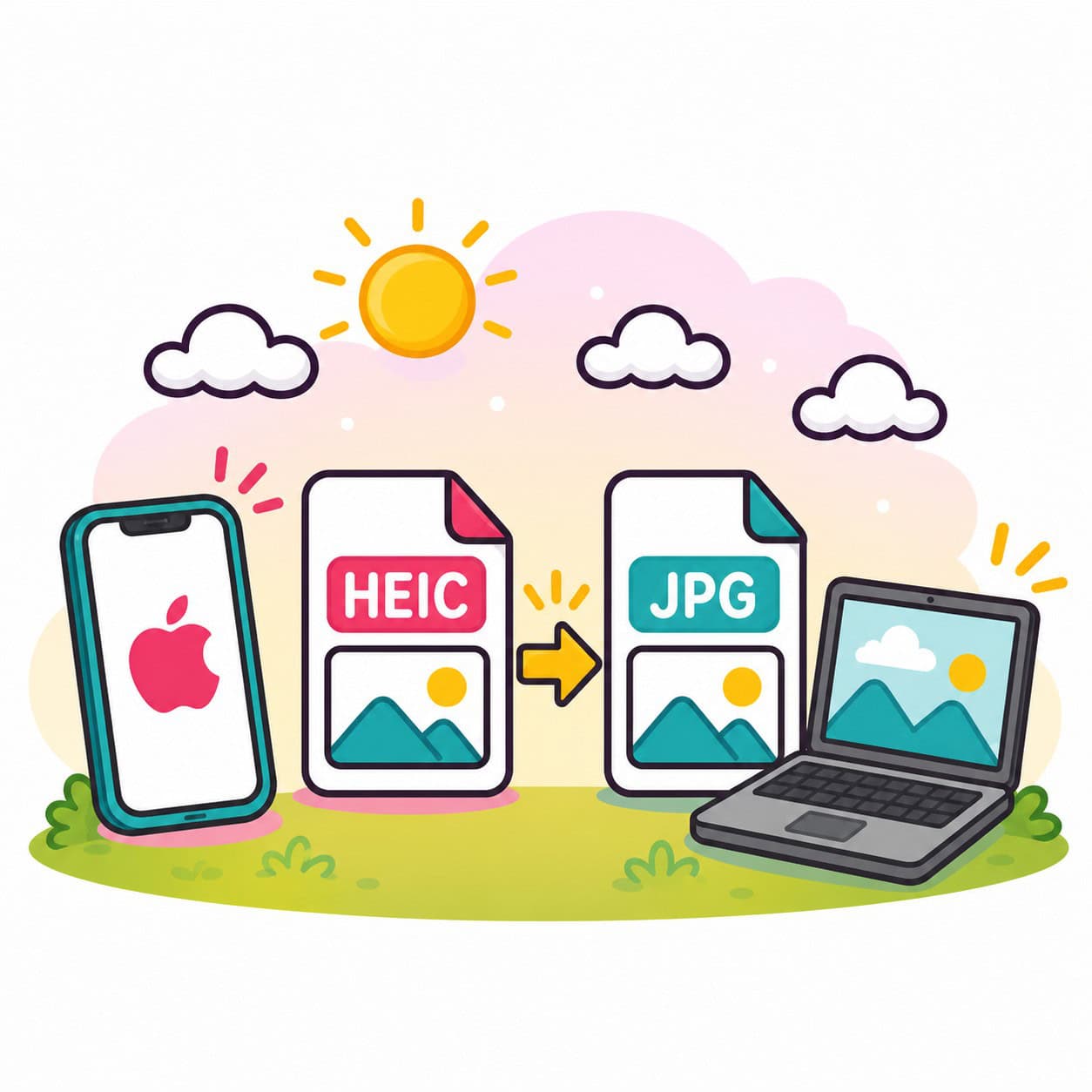
You take a lovely photo on your iPhone, send it to a friend, and then hear:
“I can’t open it.”
Frustrating? Absolutely.
Many older adults run into this issue and wonder what changed. The short answer is this: Apple introduced a newer photo format called HEIC and a newer video format that some older computers do not recognize right away.
The good news? It is fixable.
What Happened?
Years ago, most photos were saved as JPG files. Almost every computer could open them.
Then Apple moved many iPhones to a newer format called HEIC (based on HEIF technology). Videos may also use a newer format called HEVC.
Why did Apple do this?
Because these newer formats:
- Use less storage space
- Keep excellent picture quality
- Allow advanced photo features
- Help you store more photos on your phone
Good for storage. Confusing for friends with older computers.
Why Can’t Some People Open Them?
Older Windows computers, older software, and some email systems may not know what to do with HEIC photos or HEVC videos.
That can lead to:
- File not supported
- Blank preview
- Strange icon
- Asking to buy an extension
- Photo will not open
Free Fixes
Option 1: Change Your iPhone Settings
This is the easiest long-term solution.
On your iPhone:
Settings > Camera > Formats > Most Compatible
This tells the iPhone to save future photos as JPG and videos in a more common format.
You have the right format on your HP computer to look at pictures now, but going forward this change helps ensure that future pictures you take and send to others will be easy to open on older devices.
You do not have to make this change. Most people do not worry about the person receiving the photo, but it is a thoughtful option.
Option 2: Convert Before Sending
You can email the photo to yourself or share through some apps that automatically convert it.
Option 3: Use a Free Viewer on Windows
Programs like VLC help with videos. Some free HEIC viewers can help with photos.
Paid Fix
Some Windows computers ask you to install:
HEIF Image Extensions
HEVC Video Extensions
These are small add-ons from the Microsoft Store. Sometimes one is free. Sometimes the video extension has a small cost.
Once installed, many files open normally.
Our Honest Advice
If you send lots of photos to family and friends, changing your iPhone to Most Compatible is often the simplest answer.
If you already have hundreds of HEIC photos, installing the extensions may be easier.
How Techie Nesters Can Help
This is exactly the kind of small technology frustration that slows people down.
Techie Nesters helps older adults with everyday tech issues like:
- iPhone settings
- Photos not opening
- Printer problems
- Scam awareness
- Password confusion
- Smartphone help
- Computer cleanups
Sometimes it only takes 10 minutes with the right person.
Final Thought
Technology keeps changing. That does not mean you are falling behind.
And if it gets frustrating, Techie Nesters is here to help you stay confident, connected, and in control.