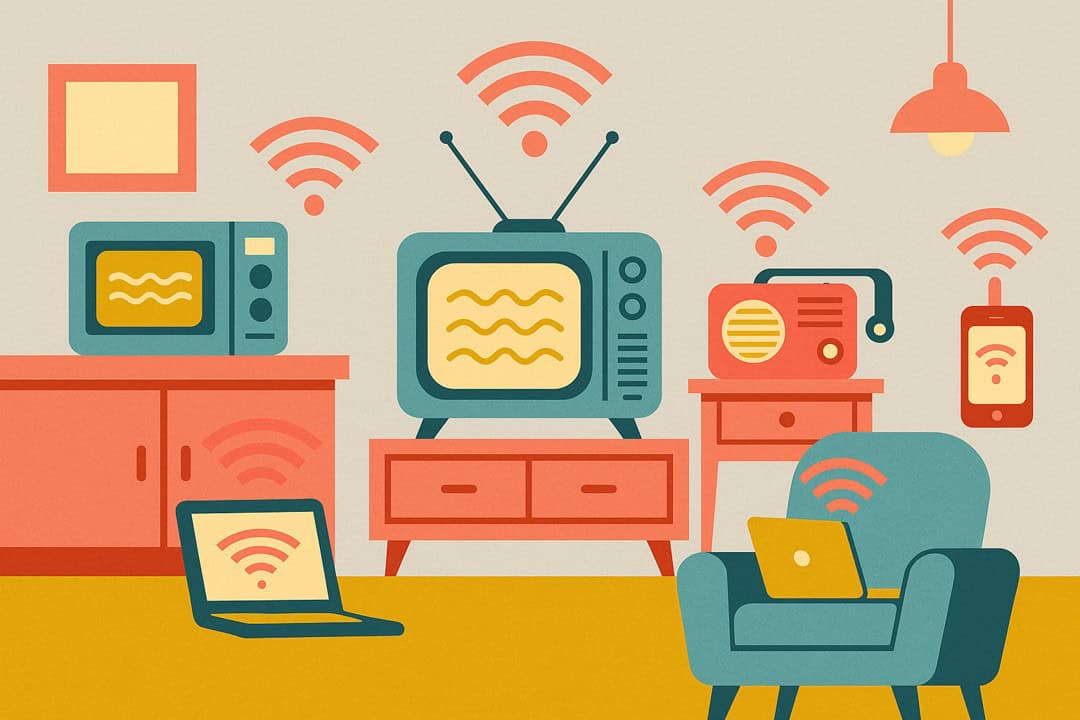
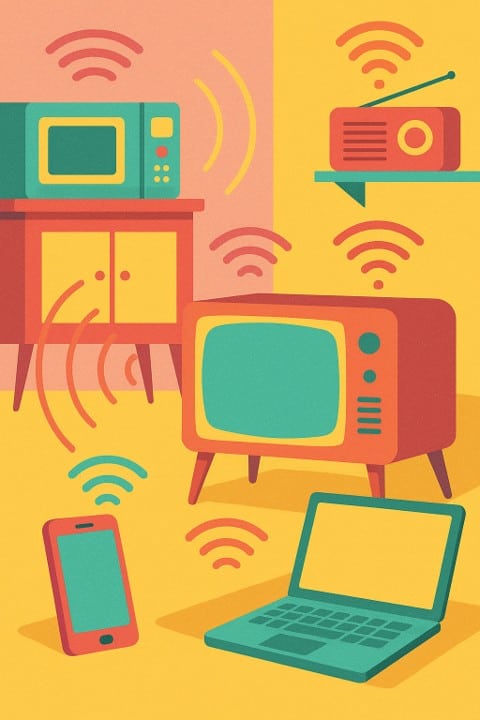
If you could see the invisible “air traffic” inside your home, you might be surprised. Your microwave, Wi-Fi router, cordless phone, cell phone, laptop, earbuds, and even your smartwatch are all sending out little invisible waves called radio-frequency (RF) waves.
It sounds a bit spooky, doesn’t it? The good news: household RF is considered safe at everyday levels. Let’s explain it in plain English, with trusted sources along the way (see the WHO EMF overview and Health Canada RF guidance).
What Are RF Waves?
Think of RF waves as invisible “messengers” that carry signals back and forth.
-
Your radio: The waves carry music and news to your speakers.
-
Your Wi-Fi: The waves carry the internet from your router to your devices.
-
Your microwave: The waves are strong enough to heat your soup (inside a sealed box).
These are forms of non-ionizing radiation, which don’t have enough energy to damage DNA the way ionizing radiation (like X-rays) can (see the WHO’s non-ionizing EMF page).
Safe vs. Unsafe: The Difference That Matters
-
Ionizing radiation (e.g., X-rays): Think of tiny chisels that can chip away at your body’s building blocks if the dose is high enough.
-
Non-ionizing RF (Wi-Fi, Bluetooth, phones, microwaves): More like gentle ripples on a pond—great for carrying information, not for breaking things apart.
Major health agencies conclude that RF from consumer devices at or below regulated limits does not show consistent evidence of harm. Canada follows Safety Code 6 exposure limits (Health Canada: Safety Code 6); the U.S. follows FCC limits (FCC RF Safety hub).
Common Household Worries (and What the Science Says)
Microwave Ovens
Modern ovens are tightly sealed, and leakage is regulated far below levels that would cause known health effects. If the door or seal is damaged, stop using it. See Health Canada: Microwave ovens and FDA: Microwave ovens.
Cell Phones
Phones emit low levels of non-ionizing RF when they connect to towers. Large reviews to date have not found a clear, consistent link to cancer. If you want to reduce exposure, use speakerphone or earbuds. See the NCI cell phone fact sheet and FDA: Do cell phones pose a health hazard?.
Wi-Fi Routers
Wi-Fi signals in homes measure far below public exposure limits—even with multiple devices in the same room. Think of a tiny nightlight compared with a floodlight. See Health Canada: Wi-Fi equipment.
Cordless Phones
They work like cell phones on a fixed base. Same common-sense habits apply (speakerphone, shorter calls if you’re concerned). See the general exposure frameworks: FCC RF Safety hub and Health Canada RF overview.
Laptops on Laps
Yes, laptops have built-in Wi-Fi (and often Bluetooth), so they emit RF too—but at very low levels and within safety limits (Health Canada: Wi-Fi; FCC RF Safety).
That said—we still don’t love long sessions directly on laps. Why?
-
Heat: laptops can get warm on your legs,
-
Posture: hunching strains your neck/back,
-
Peace of mind: a little distance never hurts.
-
Better habit: use a small desk, lap desk, or portable laptop table. It keeps the computer cool, your posture upright, and the device a bit farther away.
Earbuds / “Ear pods” & Bluetooth Headsets
Bluetooth operates at very low power—generally lower than phones—and is considered a low-exposure option for calls (often lower than holding a phone to your ear). See FDA: Radio-frequency radiation & cell phones (includes Bluetooth/Wi-Fi context).
Wearable Tech (Smartwatches, Fitness Bands)
These send tiny bursts of RF at very low power and must comply with national exposure limits before they can be sold. If you want to minimize contact, wear them loosely and take them off at night. See the FCC RF Safety hub.
Healthy Habits for Peace of Mind
You don’t need to toss your gadgets. Small tweaks help you feel great about how you use them:
-
Don’t sleep with your phone under your pillow.
-
Keep routers a few feet from where you rest.
-
Use a headset, earbuds, or speakerphone for long calls.
-
Put laptops on a table or lap tray instead of directly on your lap.
-
Take tech breaks for eyes, neck, and back.
(See Health Canada’s Wi-Fi guidance for additional reassurance.)
Bottom Line
RF waves are the invisible roads our gadgets travel on. For everyday home tech—Wi-Fi, phones, Bluetooth, wearables, and even microwaves used properly—the best evidence says they’re safe within regulated limits. Use common-sense habits, and carry on with confidence (see WHO EMF overview and Safety Code 6).
Quick-Reference Safety Chart: Everyday RF Devices at Home
| Device | RF Exposure Level | Safe or Concern? | Health Canada / WHO Notes |
| Microwave Oven | Medium (only inside oven, sealed) | ✅ Safe | Modern ovens are tightly sealed. Unless damaged, no harmful leakage (Health Canada). |
| WiFi Router | Very Low | ✅ Safe | Much lower than a phone. Like a small nightlight in the corner (Health Canada). |
| Cell Phone (to ear) | Low to Moderate (close to head) | ⚠ Use with care | No proven harm, but use speakerphone or earbuds to reduce exposure (WHO). |
| Cordless Phone | Low to Moderate | ⚠ Use with care | Similar to cell phones but stationary. Same precautions apply. |
| Laptop (WiFi & Bluetooth) | Very Low (plus heat on skin) | ⚠ Prefer desk/lap table | RF is low and safe, but heat/posture are the bigger risks (FCC). |
| Earbuds / Bluetooth Headsets | Very Low | ✅ Safe | Emit a fraction of cell phone RF. Safer than holding phone to head (FDA). |
| Wearable Tech (Smartwatch, Fitness Band) | Very Low (tiny bursts) | ✅ Safe | RF far below limits. All devices must meet FCC/Health Canada standards (FCC). |